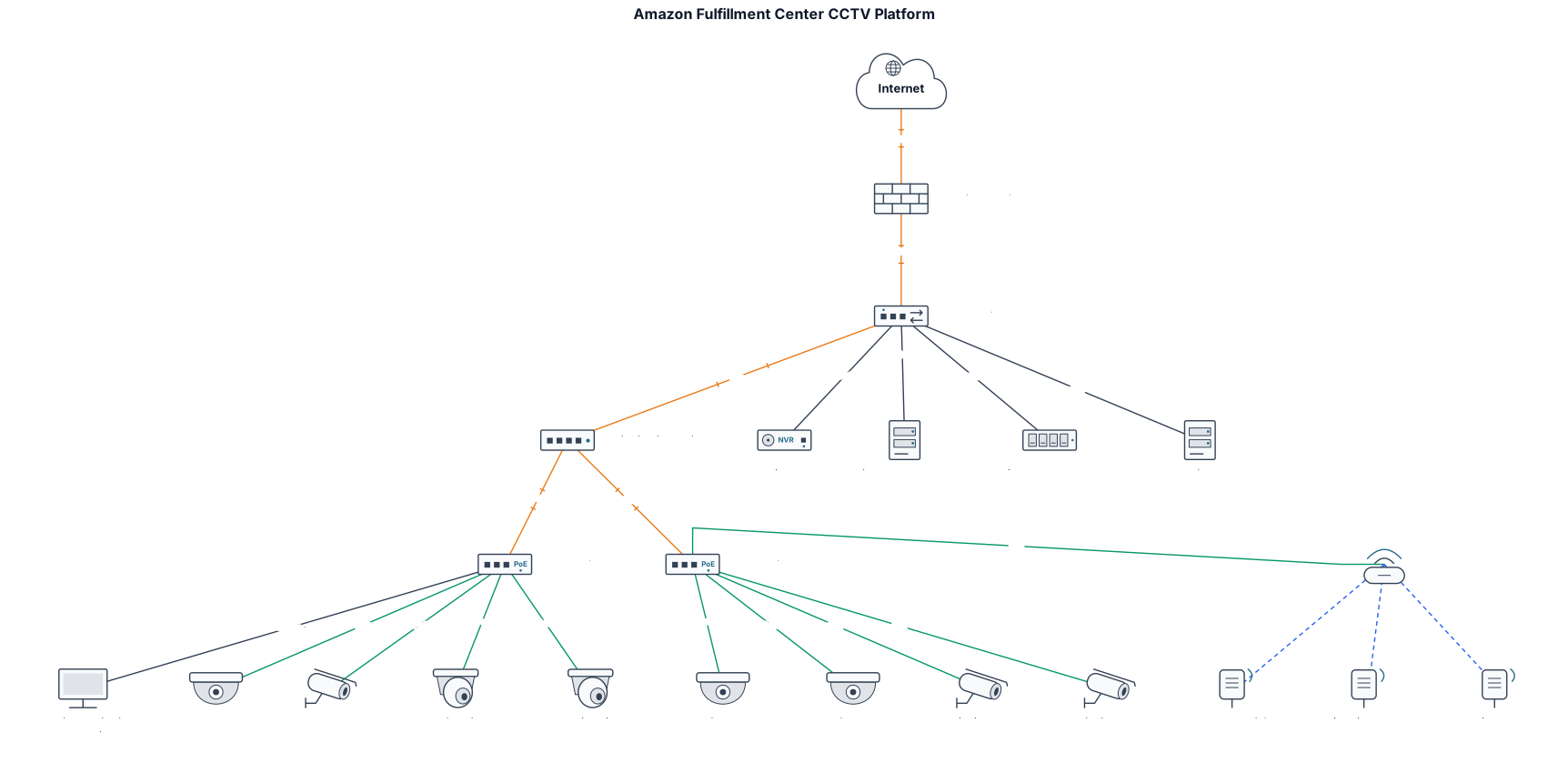
Nothing close enough? Start from a blank network diagram → Describe it in one paragraph.
How to use a network diagram template.
- 01Identify your sites and camera locations
List every physical location where cameras will be installed, including buildings, floors, and outdoor areas.
- 02Define the network backbone
Decide how sites connect: fiber rings, mesh, or star topology, and note bandwidth requirements for video streaming.
- 03Add storage and monitoring components
Place NVRs, VMS servers, and viewing workstations in the diagram, showing data flow from cameras to storage.
- 04Incorporate redundancy and security zones
Mark failover links, VLANs, and firewalls to reflect a resilient and secure CCTV platform.
- 05Generate and refine the diagram
Use the tool below to create a clean network diagram, then adjust labels and layout as needed.
Questions about network diagram templates
What is a CCTV platform architecture diagram?
It's a network diagram that shows how CCTV cameras, recording servers, storage, and viewing clients are connected across a site or multiple sites, including network topology and data flow.
What components should a CCTV architecture diagram include?
Key components include IP cameras, network switches, routers, NVRs or VMS servers, storage arrays, monitoring workstations, and security devices like firewalls.
How do I choose between a star, ring, or mesh topology for CCTV?
Star topology is simpler for small sites; ring topology offers redundancy for campus or metro deployments; mesh is used for highly distributed or wireless networks. Your diagram should reflect the chosen topology.
Can I generate a CCTV platform architecture diagram automatically?
Yes, with ChatDiagram's network diagram tool you can describe your architecture in plain language and get a custom diagram, then refine it visually.
What are common mistakes in CCTV network diagrams?
Forgetting bandwidth limits on uplinks, omitting failover paths, or not separating camera VLANs from other traffic. A good diagram highlights these aspects.