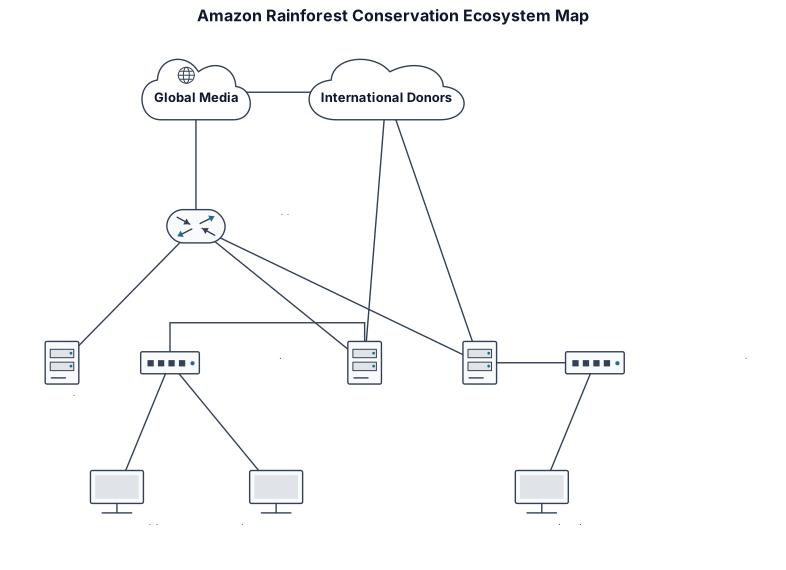
Nothing close enough? Start from a blank network diagram → Describe it in one paragraph.
How to use a network diagram template.
- 01Identify the nodes
List all the key entities, such as people, organizations, or species, that you want to include in your ecosystem map.
- 02Define the relationships
Determine how each node is connected—whether it's communication lines, partnerships, resource flows, or dependencies.
- 03Choose a layout
Select a network layout in our tool, like force-directed or hierarchical, to best display the structure of your ecosystem.
- 04Customize with labels and colors
Add meaningful labels and use color coding to distinguish different types of nodes and relationships.
- 05Share or export
Once your ecosystem map is complete, share it with your team or export it as an image or PDF for presentations.
Questions about network diagram templates
What is an ecosystem map network diagram?
An ecosystem map network diagram is a visual representation of the relationships and interactions between various entities within a system—like stakeholders, organizations, or species. It uses nodes and edges to show who's connected to whom and how.
How do I create an ecosystem map network diagram?
Start by listing all entities (nodes) and their relationships (edges). Then use our diagram maker to drag and drop nodes, connect them, and style the diagram to your needs.
What are common use cases for ecosystem maps?
Ecosystem maps are used in project management for stakeholder analysis, in business to visualize partner networks, in ecology to model food webs, and in community planning to map social services.
Can I import data to create an ecosystem map?
Yes, our tool supports importing CSV or Excel data with node and edge lists, so you can quickly generate complex ecosystem maps from existing datasets.
How do I share my ecosystem map with others?
You can share a live link that allows collaborators to view or edit the diagram, or export it as a PNG, SVG, or PDF for reports and presentations.