Canvas tool examples.
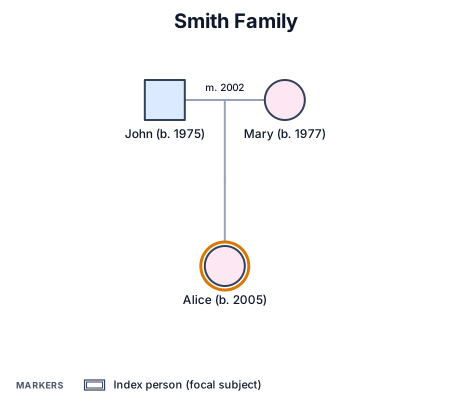
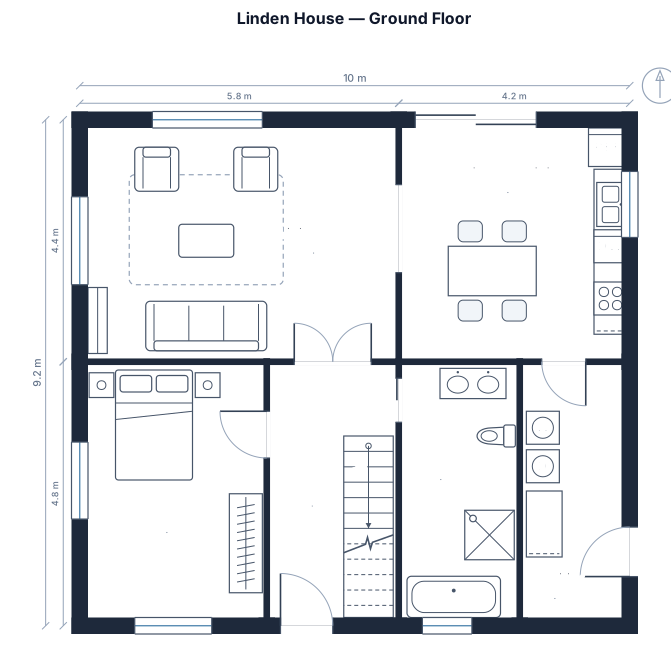
Same tool, four requests. Every drawing below is a real render.
Rather start from a finished drawing? Browse 98 matrix templates →
What a planning canvas is.
A planning canvas is a one-page visual framework for a particular conversation. It divides a problem into a few related fields, such as the goal, audience, evidence, assumptions, actions and measures.
Unlike a blank whiteboard, a canvas gives a group a shared sequence for thinking. Choose a canvas that fits the decision, fill it with concise evidence, then turn the open questions into owners and next steps.
- Standard
- 2×2 / N×M quadrant convention
- Engine
- schematex-matrix
- Editable
- Double-click text, drag nodes
- Export
- SVG · PNG · PDF
Who uses planning canvases.
Frame a problem before committing to a solution or delivery plan.
State a testable assumption and decide what evidence will validate it.
Keep a cross-functional workshop focused on participants, decisions and follow-up.
How to make a canvas in three steps.
Describe it
One paragraph is enough to start.
See the drawing
Drawn by the right engine.
Say what changes
Every edit keeps a version.
Common questions
What is a planning canvas?
A planning canvas is a visual template that puts the key parts of a problem or decision on one page. It helps a group discuss the same questions in the same order.
How do I choose a canvas?
Choose one based on the decision you need to make. A discovery canvas suits a problem definition, an experiment canvas suits a hypothesis and a workshop canvas suits a collaborative session.
What makes a canvas useful?
Use short, evidence-based entries and keep the fields limited to the questions the team needs to answer. End with clear decisions, owners and a next action.
Can a canvas be used after a workshop?
Yes. It can record the assumptions, decisions and open questions from the session, then be updated as the work produces new evidence.
Other drawings for the same work.
Create a planning canvas now.
Free account, no card. Describe the decision or session you want to structure.
Open the editor