Force-directed graph examples.
Same tool, four requests. Every drawing below is a real render.
Rather start from a finished drawing? Browse 177 network diagram templates →
What a force-directed graph is.
A force-directed graph places connected nodes near one another and spreads less connected nodes apart. It is useful when the pattern of relationships matters more than a fixed hierarchy or a physical layout.
Use a graph like this for stakeholders, ecosystems, communities or service relationships. Start with a manageable set of entities and label the meaning of each relationship so clusters and central nodes have context.
- Standard
- Cisco-convention topology icons
- Also follows
- Hierarchical / spine-leaf models · ANSI/TIA-606 · ONVIF
- Engine
- schematex-network
- Editable
- Double-click text, drag nodes
- Export
- SVG · PNG · PDF
Who uses force-directed graphs.
Labs, partners and shared data services mapped to find central collaboration dependencies.
Institutions, funders, partners and constituent groups mapped around a shared program.
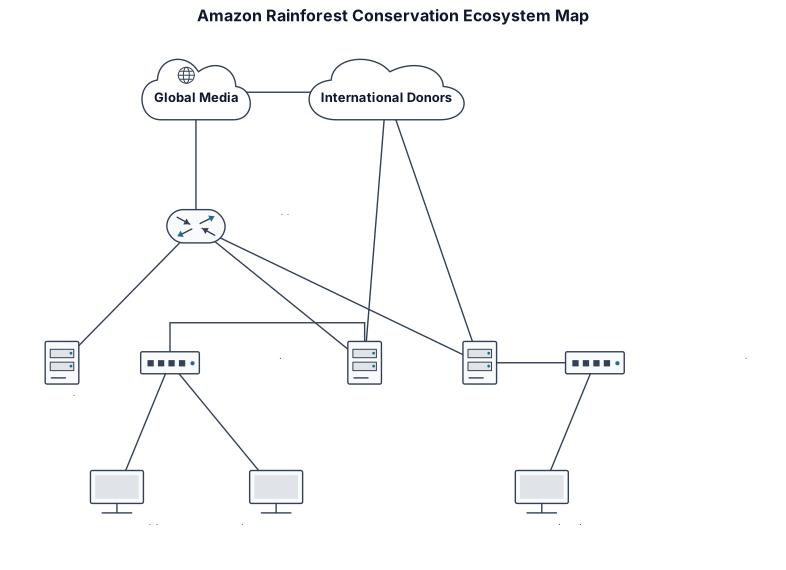 Policy and conservation teams
Organizations, communities and information flows examined for collaboration gaps and central actors.
How to make a force-directed graph in three steps.
Describe it
One paragraph is enough to start.
See the drawing
Drawn by the right engine.
Say what changes
Every edit keeps a version.
Common questions
What is a force-directed graph?
It is a network visualization that uses a layout algorithm to bring connected nodes together and separate less connected nodes, helping relationship patterns become visible.
When should I use a force-directed graph?
Use one for networks such as stakeholders, organizations, species, systems or social ties where connections and clusters matter more than a fixed reporting hierarchy.
What do nodes and links represent?
Nodes represent the entities being studied, and links represent the relationship between them, such as funding, collaboration, predation, communication or service use.
How do I keep a relationship graph readable?
Use a focused set of entities, short labels and one clear meaning for each link. Split a very dense network into separate views when its relationships cannot be read at a useful size.
Other drawings for the same work.


Explore a relationship network.
Free account, no card. Describe the entities and the connections between them.
Open the editor